
Improvement
Where your iMessage 2FA went
Juggling multiple accounts and not sure where your 2FA is landing? When you connect iMessage, Apple texts a 6-digit verification code. Comma now shows the last two digits of the number that code was sent to, right where you enter it.
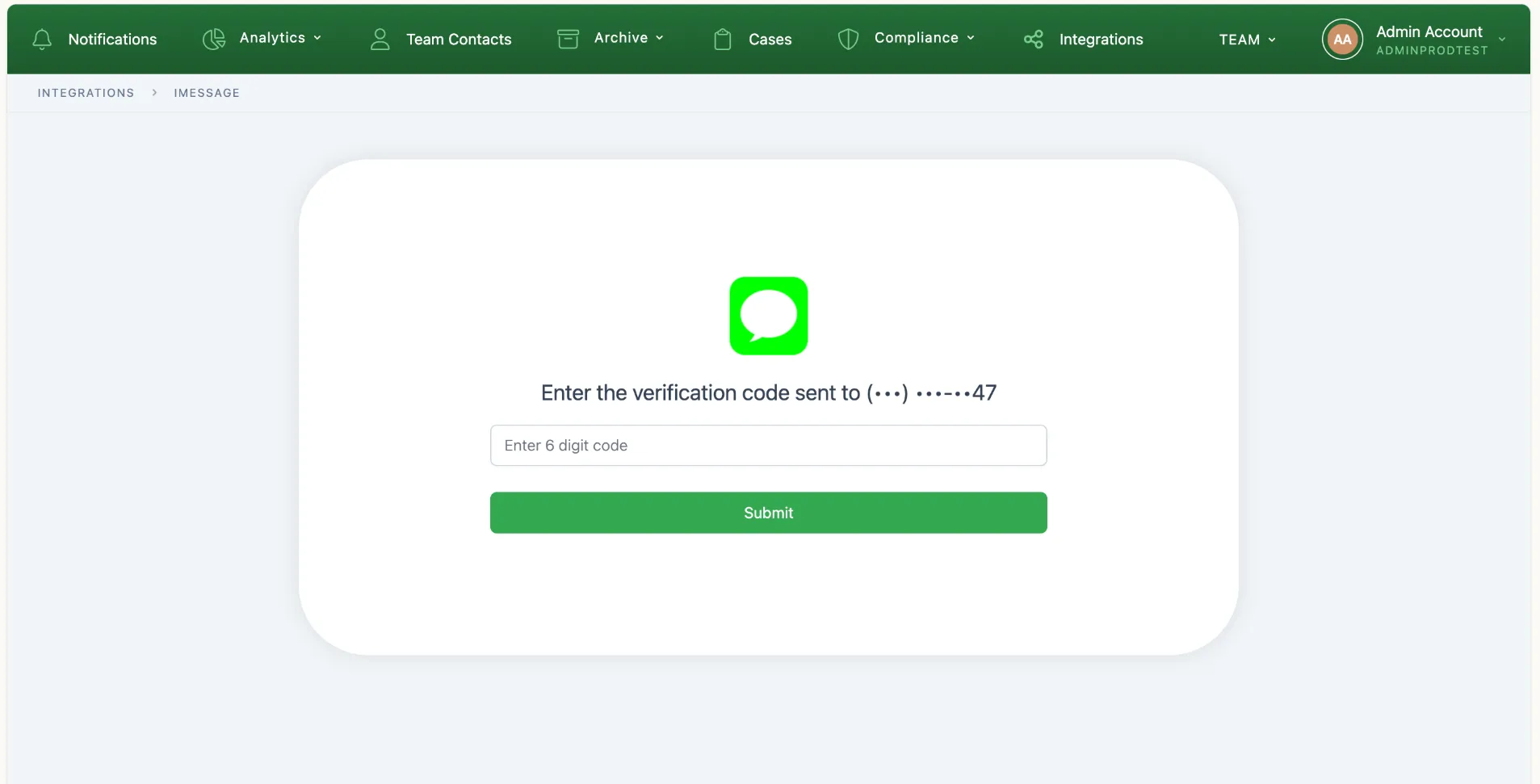
Check the phone with that ending, enter the code, and you’re connected. If you have several Apple accounts, you can tell at a glance which phone to pick up.
If Apple doesn’t say which number it used, Comma tells you that instead of guessing. Only the last two digits are ever shown.